The Command Line and Remote Servers
EDS 214: Analytical Workflows and Scientific Reproducibility
Day 2 Morning | August 25th, 2026
This morning, you’ll learn:
- Why the command line is useful
- How to issue commands on the command line
- Why remote servers offer performance benefits
- How to use the command line to interact with a remote server
Why not a GUI?
Graphical User Interface (GUI)
- Point-and-click - gentler learning curve
- Limited customization options
- Nearly impossible to automate
Command Line Interface (CLI)
- Highly customizable
- Designed to be automated
- Text-based - steeper learning curve
Are the trade-offs worth it? For some scientists, maybe not. But for a data scientist, DEFINITELY.
Terminals and shells
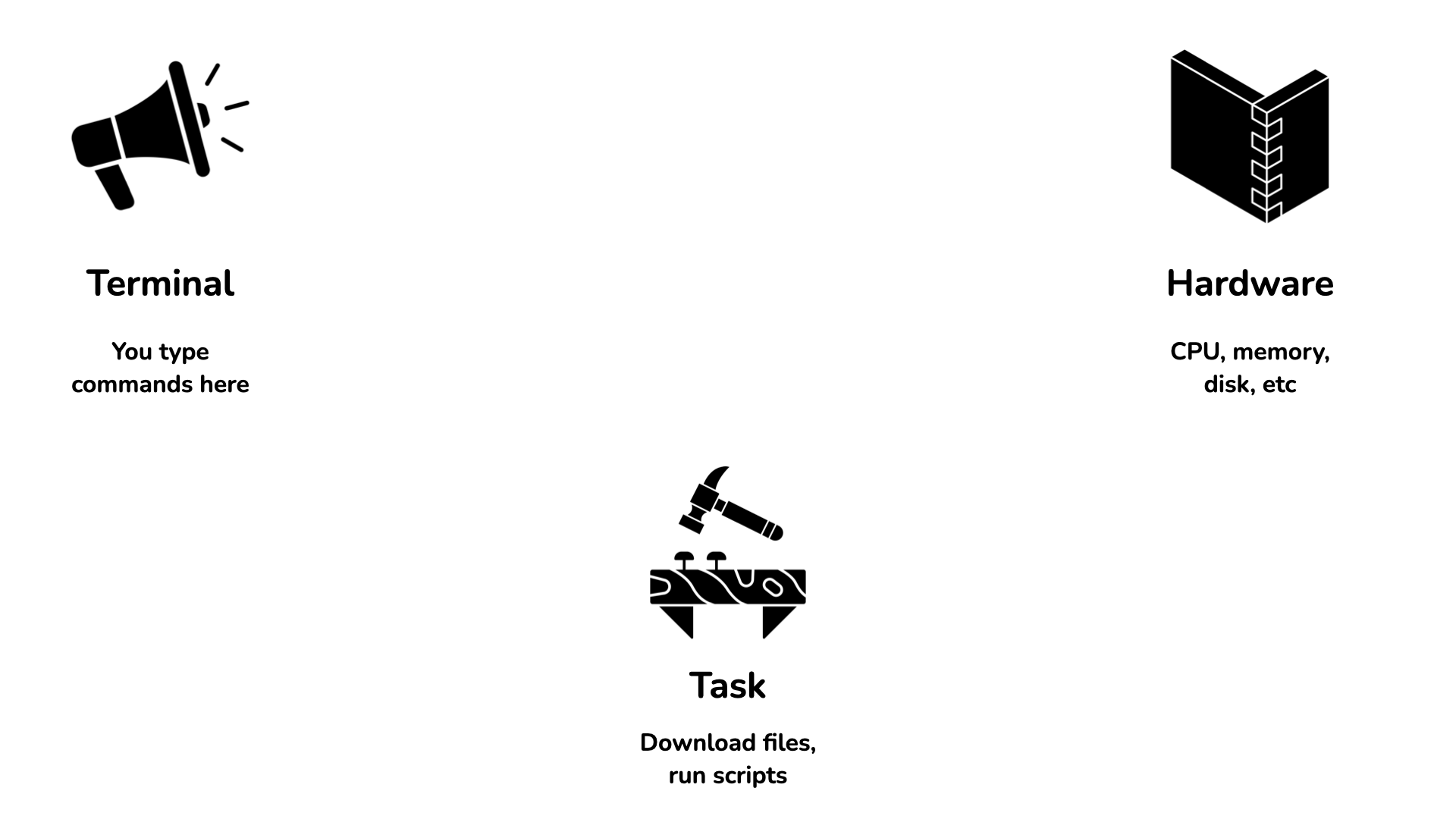
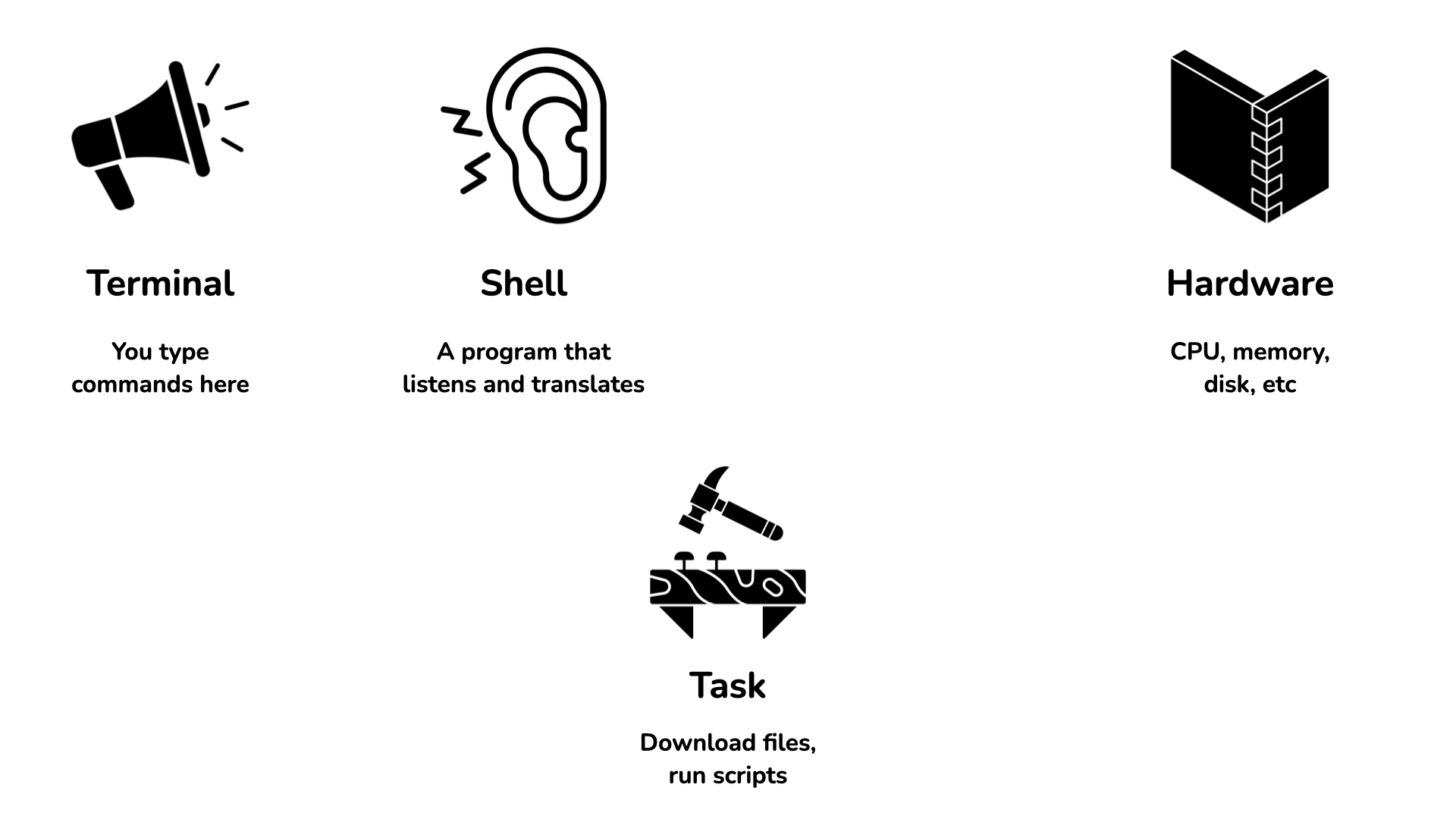
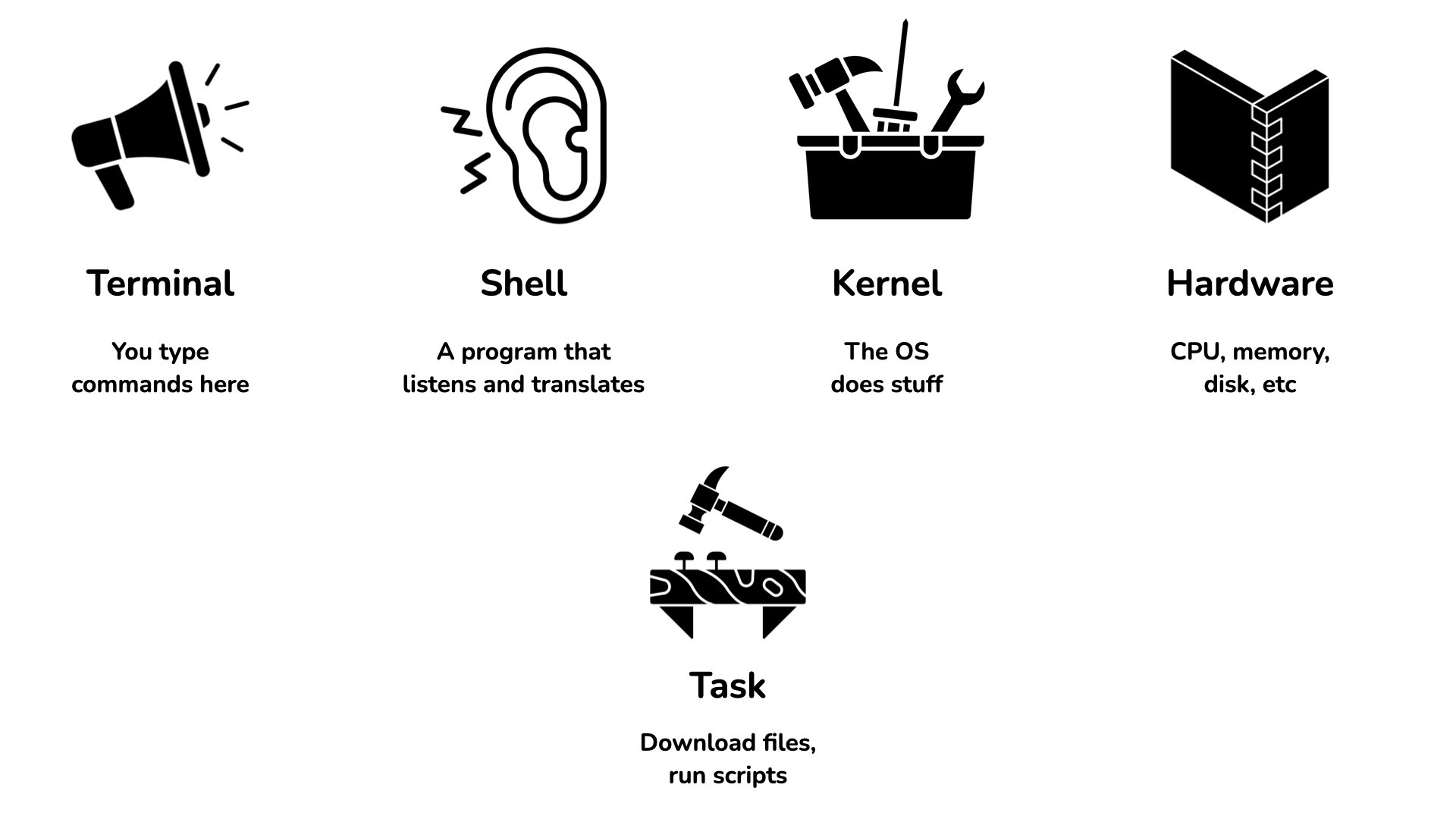
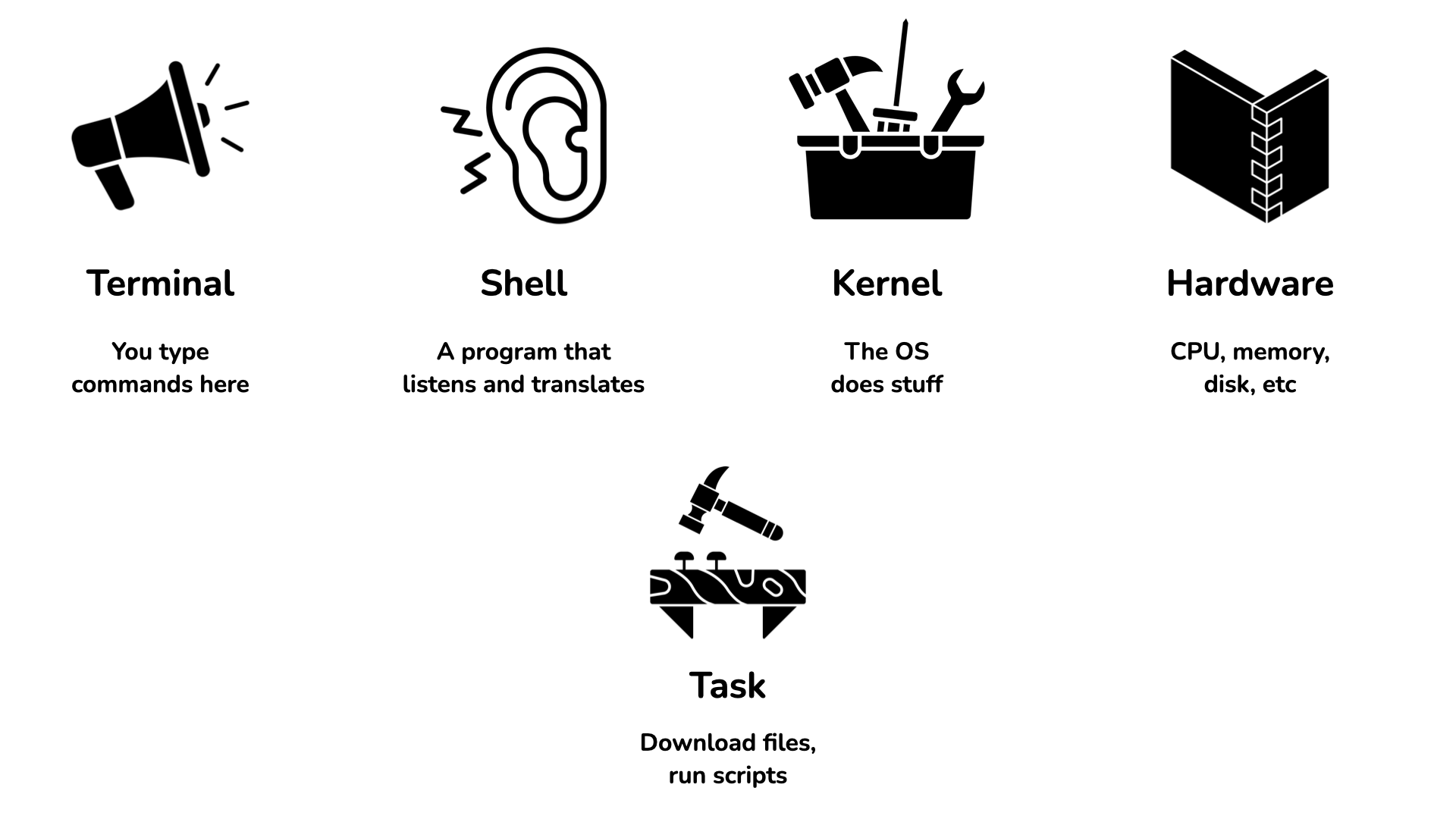
Terminal
- The program you type commands into
- Your megaphone for shouting at the computer
Shell
- A program that passes commands to the operating system
- Listens to your megaphone
You will often see Terminal and Shell used interchangeably. This can get confusing. It helps to see them in action. Let’s try it out!
Terminal and shell demo
- Open a terminal
- MacOS: Terminal
- Windows: GitBash (both a terminal AND a shell)
- Ask the shell where you are
pwd- print working directoryls- list files in the current directory
- Customize the command with options
ls -l- long listing formatls -a- show hidden filesls -la- both!
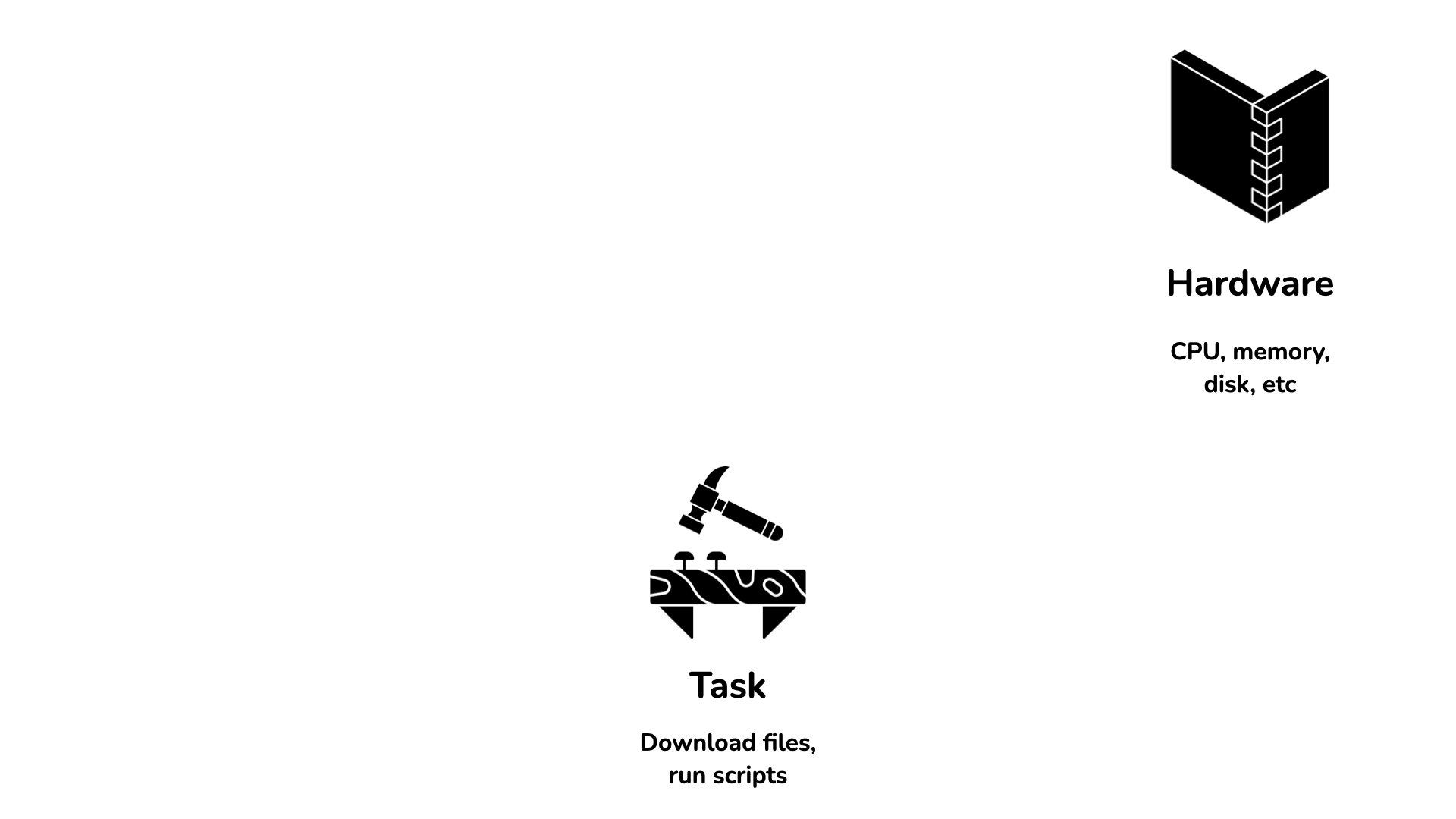
Onions have layers
Key shell commands
Navigation & File System
pwd- know where you arels(with-l,-aflags) - see what’s therecd- move around (includingcd ~,cd ..)mkdir- create directoriesrmdir- remove directories (only if empty)
File Operations
touch- create filescp- copy files/directoriesmv- move/rename filesrm- delete files (no recycle bin!)cat- view file contents
Customizing commands
command [options] [arguments]
command- the command you want to run (e.g.,ls)options- flags that modify the command’s behavior (e.g.,-l,-a)arguments- the files or directories the command should operate on (e.g.,mydir/)
CLI challenge part 1
Do the following in your terminal. Make a note of your answers in a text file.
Create the following directory structure on your computer using the command line only.
renewable-energy
├── capacity
│   ├── san-luis-obispo.csv
│   ├── santa-barbara.csv
│   └── ventura.csv
└── usage
    ├── san-luis-obispo.csv
    ├── santa-barbara.csv
    └── ventura.csv
Now, delete the capacity/ folder and rename usage/ to data/.
Use ls -l data to check the contents of your directory. Answer the following questions.
- Does your directory look as expected?
- What commands did you use?
- In
ls -l data, what parts correspond to the argument, option, and command?
CLI challenge part 2
From the renewable-energy directory, run the following commands:
Answer the following questions.
- What error message did you get?
- What do you think these commands were supposed to accomplish?
- How could you fix it?
CLI review
Why is the command line useful?
- Customizable
- Automatable
What’s the difference between the terminal and the shell?
Terminal The program you type commands into
Shell The program that runs the commands
What does a CLI command look like?
command [options] [arguments]
pwd
mv foo.R bar.R
ls -la data/
Up next
Use the CLI to interact with a remote server.